In The Work Persists. The Agents Come and Go, we explored what it means for an AI agent to join ongoing work. The goals, decisions, and responsibilities should persist as people and agents come and go. Each new participant should be able to build on what came before.
That raises a broader question: what kind of environment supports the different ways AI takes part in our work?
Consider three familiar uses of AI. An assistant helps you decide what needs attention. A meeting app produces a summary. An agent takes on a research assignment. Each can be useful on its own, but their uses often connect.
To understand those connections, it helps to distinguish three roles.
Role 1: AI that helps me manage my work
Some of the effort of working is keeping track of the work itself. What did I promise to follow up on? Where did I leave off? Has something changed that affects what I should do next?
AI can help us answer these questions. It might help us prepare for a meeting, recover the context of an unfinished task, or notice a decision that changes our priorities.
Imagine returning from a meeting with several new requests. An assistant could help you weigh them against the work you already have planned. To do that well, it would need to understand something about your commitments across those activities.
In this role, AI supports your attention and direction across your work, helping you stay oriented as you move among tasks, tools, and people.
Role 2: AI inside the tools I use
A second role is easier to see within a particular application. A meeting app creates a summary. An image editor helps change a picture. A spreadsheet helps explain a set of numbers. A writing tool helps revise a document.
Here, AI helps produce or transform something as part of using the tool. You are working with the content, and AI adds to what you can do with it.
These capabilities can live in native applications on your computer or in web applications you use through a browser. From the perspective of your work, both may contribute to the same activity.
The meeting summary, for example, is useful inside the meeting app. It may also contain a decision that matters to someone preparing a budget elsewhere. The output has a life beyond the tool that created it.
Role 3: Agents I delegate work to
A third role appears when you give an agent an assignment to carry out. You might ask it to research suppliers, compare options, or investigate a problem.
That assignment has a purpose and a scope. The agent needs to know what you are trying to achieve, which constraints matter, and what would count as a useful result. It may need clarification along the way. Its findings may raise questions for you or other people.
This is where the idea of joining ongoing work becomes especially useful. The agent's contribution belongs to an effort that can continue after its assignment ends. Others need to be able to find the result, understand why it matters, and build on it.
These are roles, rather than separate categories of products. One system might help you organize your day and also carry out an assignment. The distinction helps explain what support each role needs.
Now put the three roles together
Suppose a meeting ends with a decision to find a new supplier. The meeting app records that decision in its summary. Your assistant helps you recognize that the search needs attention this week. You ask a research agent to compare possible suppliers.
The agent needs the reasons for the change, the budget, and the requirements the team agreed on. Its findings then need to reach the people making the choice. That choice may change your plans again.
Often, we maintain those connections ourselves. We move the summary, explain the decision, gather the requirements, and bring the findings back. We remember which pieces belong together and check whether the plans have changed.
Connections between tools can make parts of this easier. Yet passing a file is only part of the job. Someone still needs to preserve why it matters, what was agreed, and how it affects the work ahead.
The connections between these AI roles are themselves part of the work. Better results from each role make it more valuable to carry those connections forward.
A common environment for ongoing work
This gives us a reason to reconsider the desktop as a work environment. Native applications, browser tabs, web applications, and AI capabilities all contribute to activities that cross their boundaries.
What would it mean for them to take part in the same ongoing work? Could the environment carry more of the context we now assemble and explain ourselves, while letting us choose our tools and control what we share?
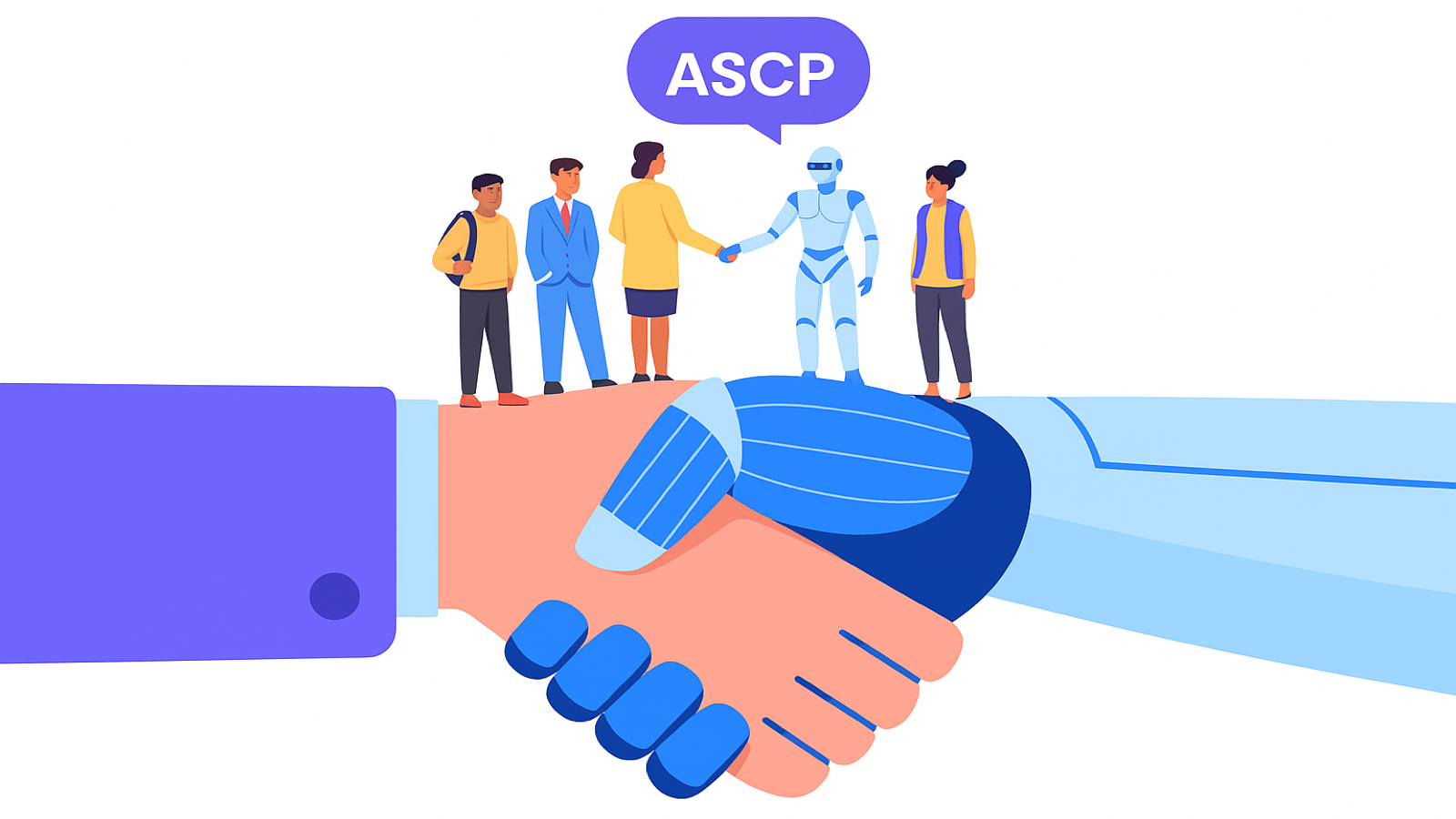
These questions motivate what Reframe calls an Organized Work Environment (OWE). They also connect to the Agents Shared Cognition Protocol (ASCP), our proposed open protocol for preserving shared context and coordination across people, agents, and applications.
A common work environment could help people and agents act more independently and autonomously while staying coordinated.
Where do these three roles meet in your work, and which connections are you still having to carry yourself?